Get DuoPlus
Create your account and go straight to the cloud phone setup path.
Get DuoPlus and access your account
Looking for DuoPlus download, APK download, app store access, or login? Create a DuoPlus account first, then set up and test your first cloud phone.
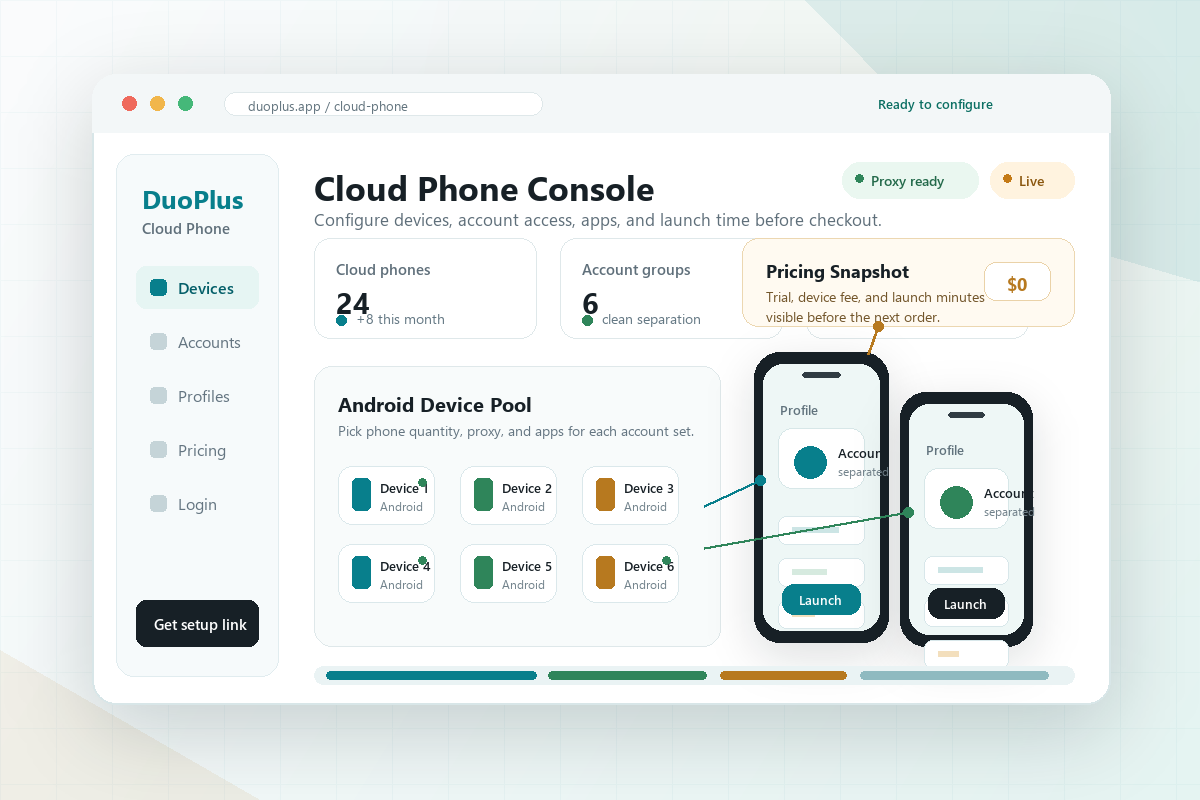
Do not stop at a download search. The higher-value path is to create an account, test a cloud phone, and confirm your apps work before adding more devices.
Create your account and go straight to the cloud phone setup path.
Third-party APK files can be outdated, modified, or incompatible with the current service.
Check app login, device settings, and cloud phone performance before adding more devices.
These are the main access questions people check before they create an account, install apps, and set up their first cloud phone.
Treat download and login as the first step toward a working cloud phone. A quick setup test helps you avoid paying for devices before your apps are ready.
Use the account creation path, then save the login details you will use for device management.
Start with one cloud Android phone, install your key app, and confirm basic login.
Confirm app permissions, region needs, proxy/IP setup, and whether notifications matter.
Most download-intent users are trying to move quickly. Slow down just enough to protect your account setup and avoid wasting paid device time.
Add the Android apps you plan to use and check whether they launch cleanly.
Log in to a low-risk account first, then confirm session stability before adding more.
Track active minutes and device count so pricing decisions are based on real usage.
Create a DuoPlus account first, then choose the available app or cloud phone access path for your device instead of relying on random APK mirrors.
Use the account creation button, sign up with your details, then continue to cloud phone setup and app installation.
The safer path is to create a DuoPlus account and check available app options before using third-party APK files, because APK mirrors may be outdated or modified.
After creating an account, log in to DuoPlus and continue to cloud phone setup, app installation, proxy or IP settings, and account testing.
Add your first cloud phone, install the Android apps you need, test account login, check device settings, and estimate active usage time.
Get DuoPlus, create an account, and test cloud phones with your own Android apps.